Lenovo ThinkPad X220
A workhorse wrapped in simplicity — reliable, sturdy, and endlessly capable, the X220 is the laptop that just keeps going.
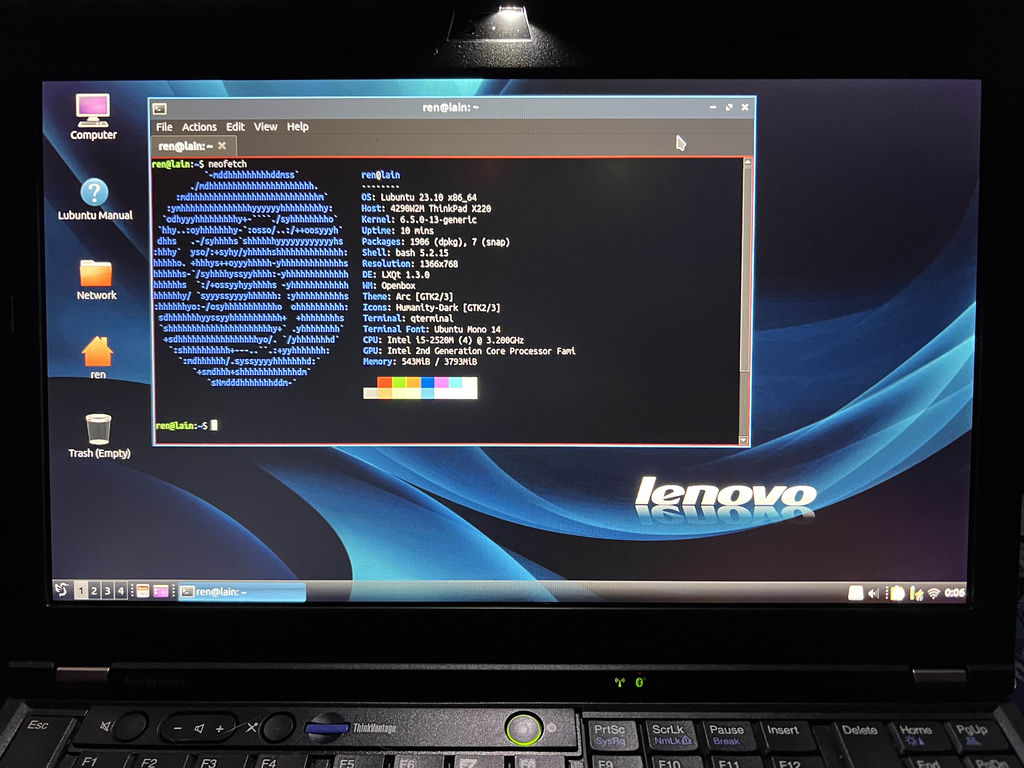
I bought this laptop at an eBay auction for $40 around 2022. I had also been looking at the T440p, but at the time I couldn't find any for less than $100. So, for a broke university student, the next best thing was the X220.
The laptop came configured with 4 GB of DDR3 RAM, an unbranded 120 GB SATA SSD, a quad-core Sandy Bridge i5, and a rather horrific TN 1366×768 panel.
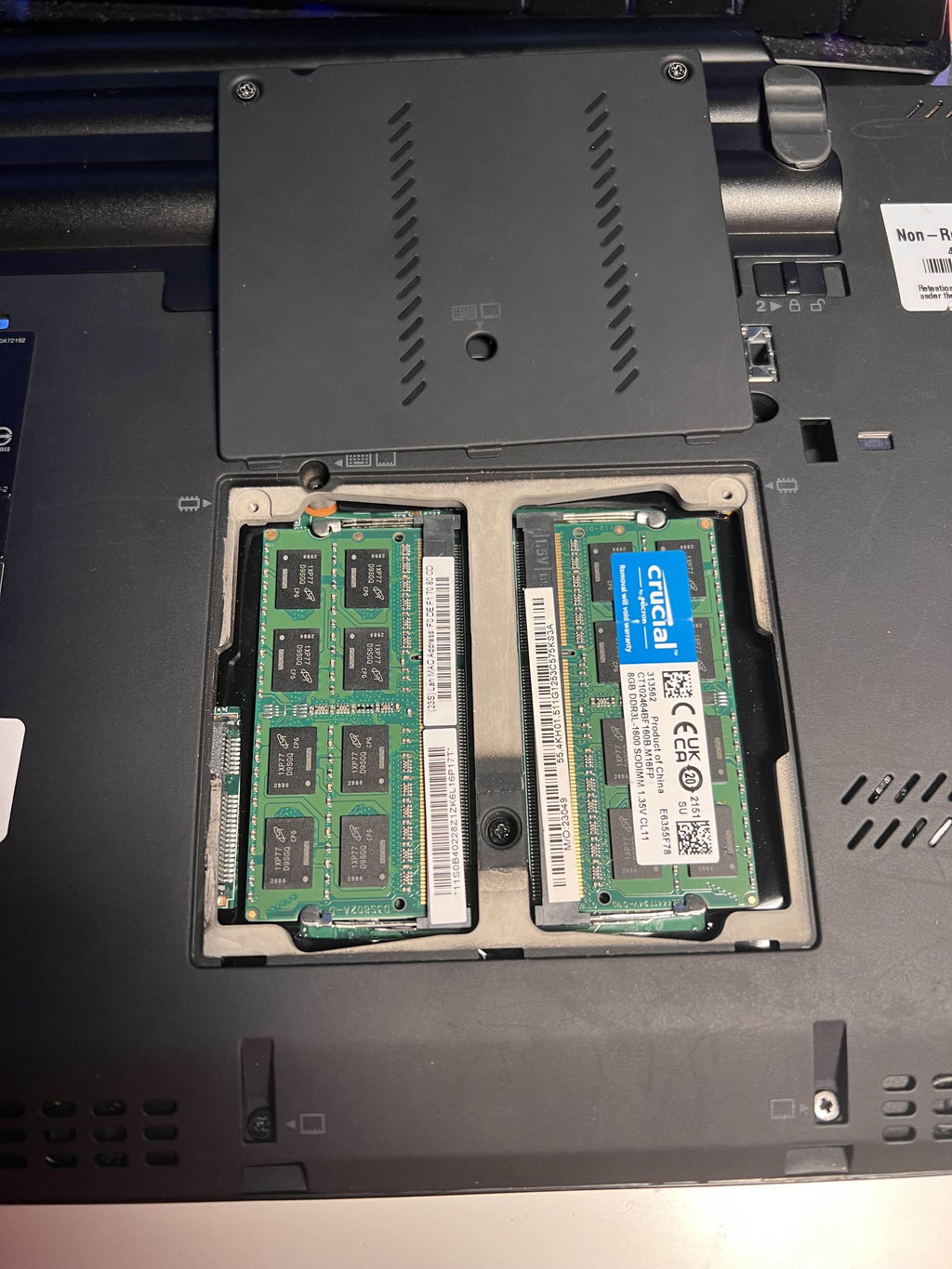
The first thing I did—and it was also my first time tinkering with a laptop—was upgrade the RAM. I managed to snag 16 GB of Crucial-branded RAM for less than $20 on eBay.
The rear hatch that exposes the DIMM slots is held in place by only two screws. The upgrade was quick and stress-free.
By this point, my laptop was running Fedora LXQt. Its first real test was for a project during my Real-Time Systems course using the
image here whatever
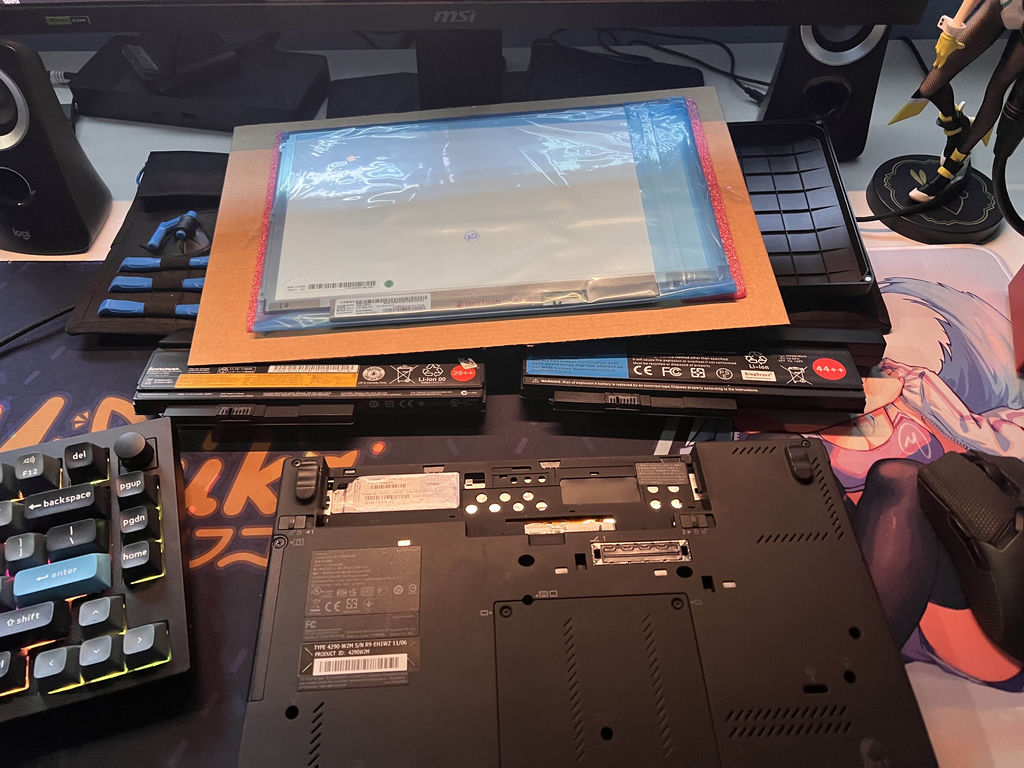
My next project was replacing the screen. I found a website called McDonnellTech that had several useful guides and pointers for the best upgrades specifically for the X220. The panel I chose was the LP125WH2(SL)(B3).
I also wanted to upgrade the battery. At most, it would last maybe 1-2 hours, and the battery health report showed less than 50% capacity. For the replacement, I went with the KingSener 9-cell battery.
At this point, I was quite happy with the laptop. Everything worked great—except the Wi-Fi card. The Ethernet port provided solid gigabit speeds, but I couldn't get anything above 50 Mbps on Wi-Fi, despite having gigabit home internet.
I went for the suggested modern replacement that supported Wi-Fi 5 speeds, but something stood out: I needed to install a version of the BIOS with the hardware whitelist removed.
So, I installed Libreboot instead.
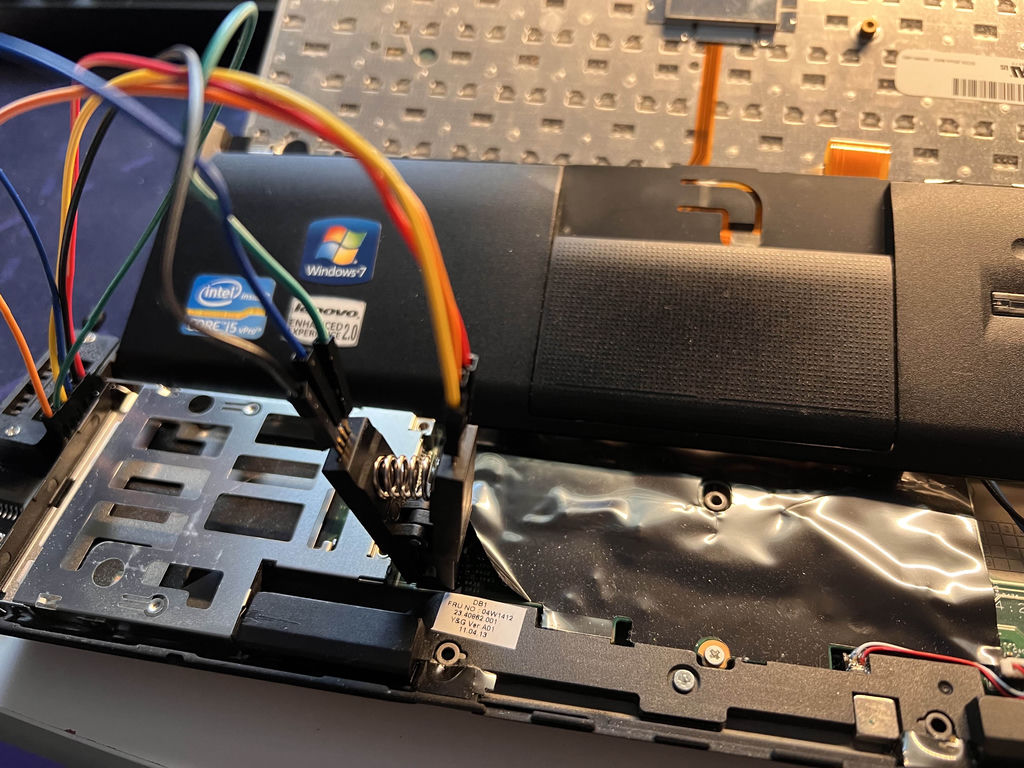
...and it worked!
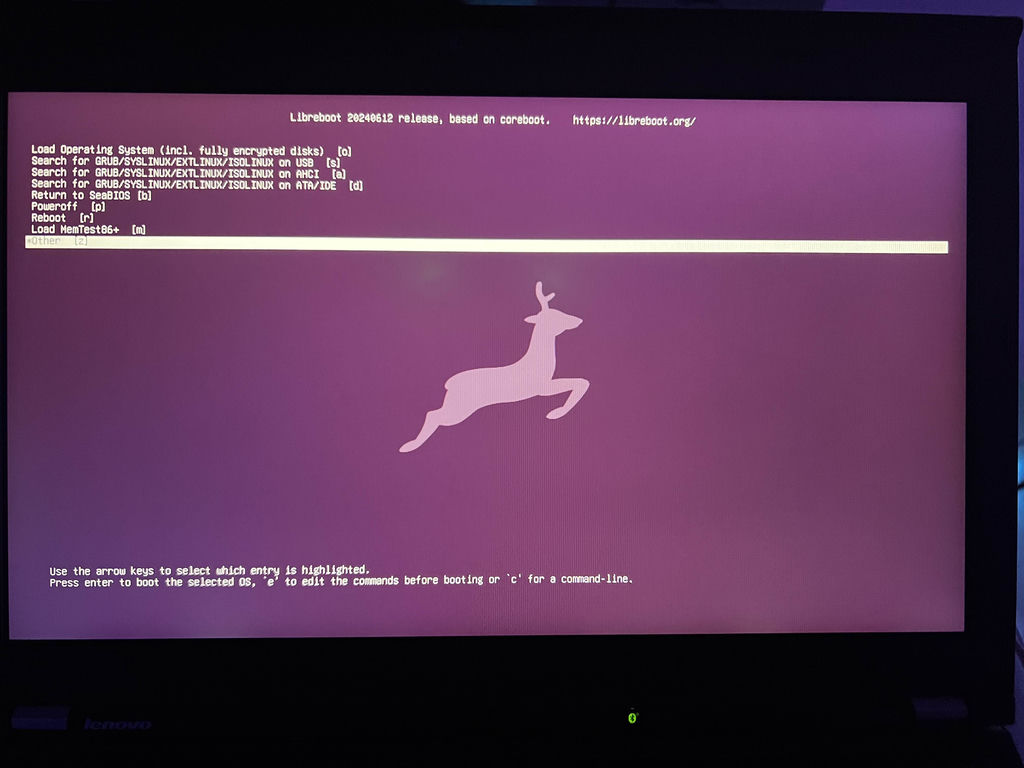
I now had a fully free laptop—no non-free firmware, Intel ME disabled, and no non-free software installed. Combined with the previous upgrades, it can power through 8-10 hours of work in a single sitting without overheating. This is nearly the perfect laptop.